
South Korea eSIM Guide: Seoul, Setup, Transit, and Data Tips
 Mia7 min read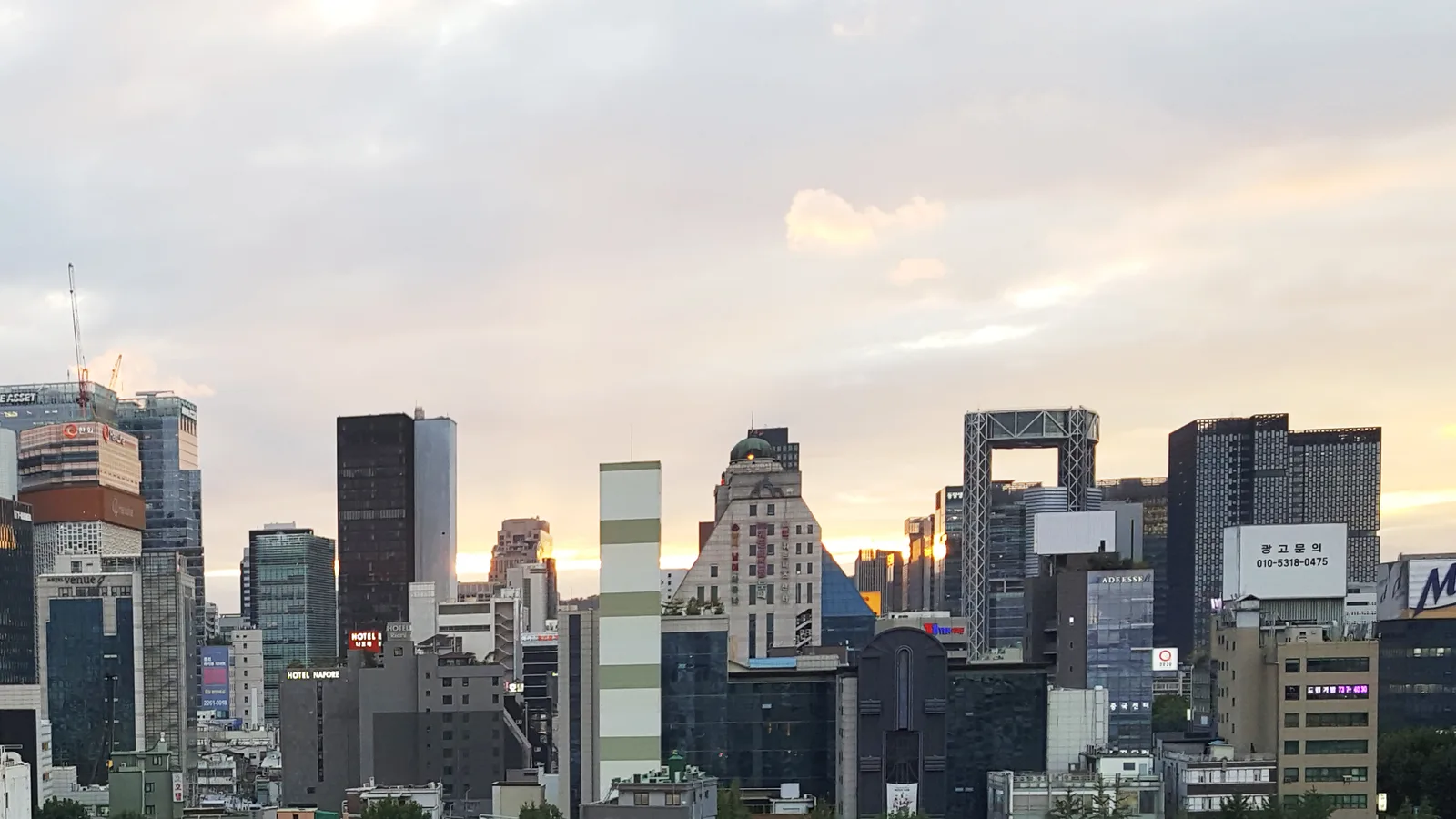
Photo by Minseong Kim, CC BY-SA 4.0, via Wikimedia Commons.
On this page
Seoul is one of those cities where your phone becomes part of the transit system. You are checking a subway exit number in Hongdae, translating a menu in Euljiro, finding the right airport train at Incheon, and waiting for a taxi app that refuses to load on airport WiFi.
This South Korea eSIM guide has a simple answer: install your eSIM before you fly, keep your primary SIM active for calls or bank texts if you need them, and switch cellular data to the Korea eSIM when you land. For most short trips, a data-only eSIM is enough. If you need a Korean phone number for local signups, check that requirement before buying because many travel eSIMs are data-only.
Quick answer for travelers
| Decision | Best move in South Korea |
|---|---|
| When to install | Before departure, on home WiFi |
| When to activate data | After landing in Korea |
| Best airport setup | Turn on the eSIM before leaving baggage claim |
| Main apps that need data | Naver Map, KakaoMap, KakaoTalk, Papago, taxi and transit apps |
| Data range for 7 days | 5-10 GB for normal use, more for hotspot or video |
| Only eSIM plan page | South Korea eSIM plans |
If you are still new to eSIMs, read our plain-English guide to what an eSIM is first. The short version: your phone downloads a carrier profile instead of using a plastic SIM card.
Will an eSIM work well in South Korea?
South Korea is a good eSIM country. The frustrating part is not coverage in Seoul or Busan. It is the small setup mistakes: buying too late, forgetting to enable data roaming, or assuming every travel eSIM includes a local phone number.
Korea's major mobile operators are SK Telecom, KT, and LG U+. In practical traveler terms, Seoul, Busan, Jeju City, Incheon Airport, and major train corridors are the easy zones. Mountain trails, rural guesthouses, ferry routes, and deep basements are where signal can get less predictable. That is normal mobile-network physics, not a Korea-specific problem.
Do not obsess over 5G. LTE is more than enough for maps, messaging, translation, train times, and restaurant searches. A stable LTE connection beats a flashy 5G icon that drops in a station tunnel.
Set it up before you leave
Apple's current setup flow lets you add an eSIM on iPhone from Settings with a QR code or carrier app, depending on the provider. On Android, the exact wording changes by brand, but Google's Pixel documentation confirms that Pixel phones can use dual SIM with an eSIM. Samsung and other Android phones usually put the option under SIM manager or Network & internet.
Use this checklist:
- Buy your Korea eSIM while you still have steady WiFi.
- Scan the QR code or follow the in-app install flow.
- Label the line "Korea" so you do not confuse it with your home SIM.
- Leave your home line as the default for calls and texts if you need 2FA messages.
- When you land, set the Korea eSIM as your cellular data line.
- Turn on data roaming for the Korea eSIM line.
That last step matters. A travel eSIM often needs data roaming enabled because it connects through partner networks. If your eSIM shows signal but no internet, data roaming is one of the first things to check. Our eSIM troubleshooting guide walks through the common fixes.
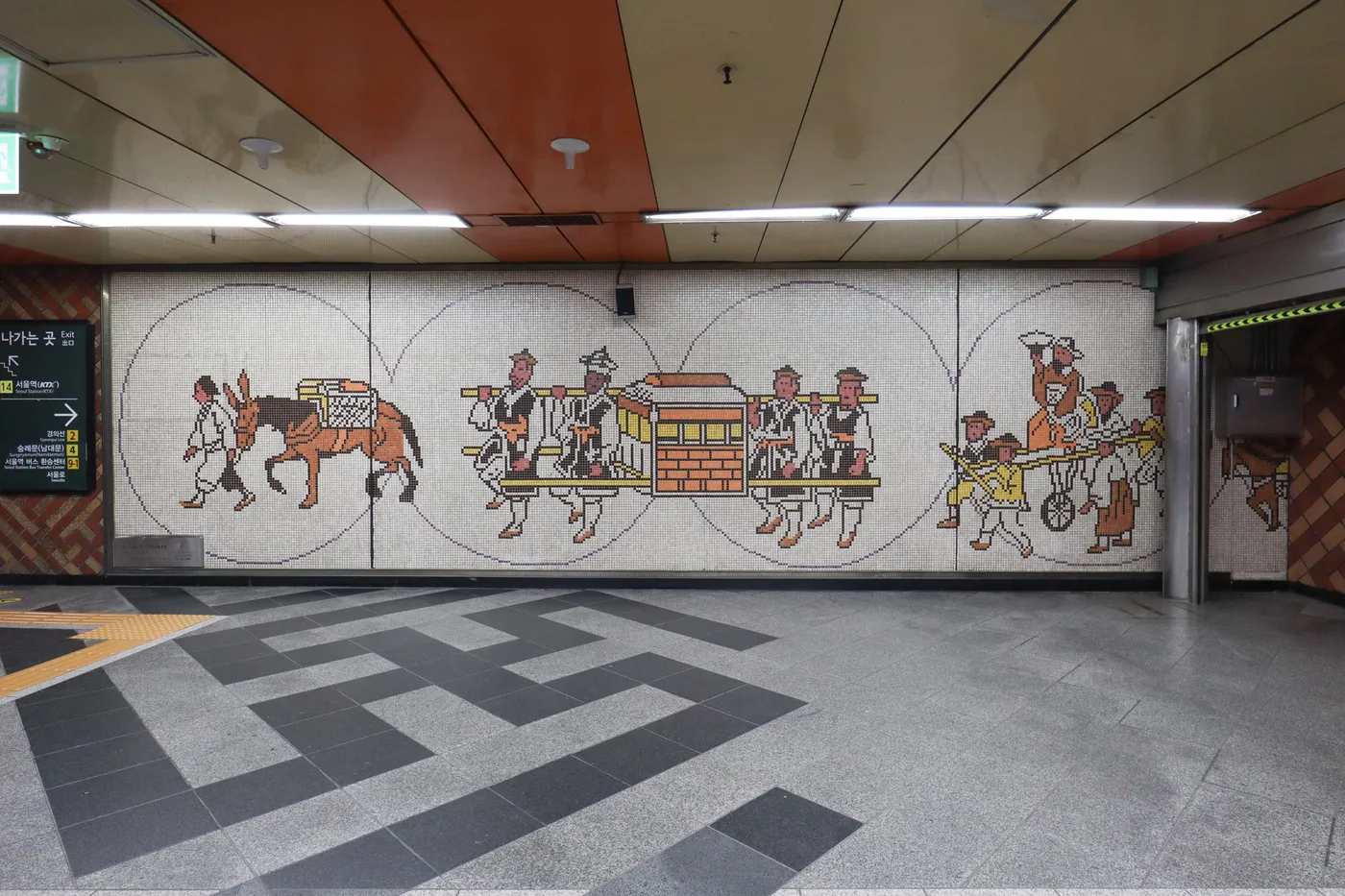
Set up your eSIM before you need to navigate Seoul Station.
Seoul arrival plan: Incheon to the city
Incheon Airport is smooth, but it is still a long way from central Seoul. The official airport site lists the Airport Railroad as the rail link into the city, with express and all-stop services. If you plan to take AREX, get online before you leave the arrivals hall so you can check the train type, your transfer station, and the walking route from your final subway exit.
A taxi is easier with luggage, but apps and addresses are less forgiving than in some countries. Korean addresses often work better in Naver Map or KakaoMap than in Google Maps. Download at least one Korean map app before the trip, then test that you can search your hotel by name and address.
For public transit, Korea's tourism office explains that prepaid cards such as Tmoney and EZL can be used on public transportation and topped up during a trip. Buy one at the airport or a convenience store. Your eSIM handles directions; the transit card handles gates and buses.
Where mobile data actually helps
Seoul
Start with neighborhoods, not attractions. Euljiro is good for old print-shop alleys, craft beer bars, and late-night food. Ikseon-dong is compact, crowded, and worth it if you go early. Hongdae is the obvious nightlife area, but nearby Yeonnam-dong is better for cafes and a slower afternoon. Seongsu is where you go for design shops and pop-ups.
For first-time sights, Gyeongbokgung is still the palace to see, especially if you pair it with Bukchon or Seochon on foot. Go in the morning. Palace grounds are large, and mobile data is useful for checking entrances, closing days, and the least awkward subway exit.

Gyeongbokgung is easy to combine with Bukchon or Seochon if you plan your route before the crowds arrive.
Busan and Jeju
Busan is a better second stop than trying to add three cities in four days. Base yourself near Seomyeon for transit, Haeundae for the beach, or Nampo for markets and old-city energy. On Jeju, data matters even more because buses are slower and taxi routing is part of the trip. If you are renting a car, do not depend on hotel WiFi to plan each leg.
Food and reservations
Korea is a great place to eat badly if you only follow whatever is closest to the main street. Use data to search in Korean map apps, check opening hours, and save backups. Try gimbap for a cheap travel-day meal, tteokbokki at markets, samgyeopsal with a group, seolleongtang when you want something simple, and dakgalbi if you make it to Chuncheon or find a good Seoul shop.
Some restaurants use waitlist tablets or local phone-number flows. If you hit that wall with a data-only eSIM, ask staff for help or pick a place that takes walk-ins. Do not buy a local-number plan unless you know you need it.

Bukchon is beautiful but residential. Go quietly, keep to posted visitor paths, and use maps so you are not wandering into private lanes.
How much data to buy
Use this as a starting point, not a law:
| Trip style | Good starting point |
|---|---|
| Light use: maps, messages, translation, transit | 1 GB per day |
| Normal tourist use: maps, photos, reviews, social apps | 1-2 GB per day |
| Heavy use: hotspot, video calls, streaming, creator workflow | 3+ GB per day |
For a one-week Seoul and Busan trip, I would buy 5-10 GB if I were not sharing a hotspot. For two weeks, 10-20 GB feels safer. If you plan to upload video every night, ignore those ranges and buy more than you think you need. Video is what wrecks a tidy data budget.
Free WiFi exists in cafes, hotels, malls, and airports, but it is not a travel plan. It is a backup. The moment you are outside trying to find Exit 7 in the rain, your eSIM is what matters. Our broader travel data guide explains how to size a plan by habits instead of guessing.
Safety and practical notes
South Korea is generally straightforward for visitors, and the U.S. State Department currently lists South Korea at Level 1: Exercise Normal Precautions. Normal precautions still means normal city sense: watch your bag in nightlife areas, do not leave your phone on a cafe table near the door, and be careful with late-night drinking districts if you are alone.
A few habits make the trip easier:
- Keep your passport name consistent across hotel, rail, and activity bookings.
- Carry a physical payment card because not every foreign mobile wallet works cleanly.
- Download Papago for translation and at least one Korean map app.
- Save your hotel name and address in Korean.
- Screenshot your eSIM QR code and order email, but store them somewhere private.
Bottom line
A South Korea eSIM is the cleanest setup for most short trips because it solves the problem you feel most often: getting online between the airport, subway, hotel, restaurants, and day trips. Install it before departure, turn on data roaming after arrival, keep your home SIM available for important texts, and buy enough data that you are not rationing maps on day five.
If your phone supports eSIM and you only need mobile data, start with Only eSIM's South Korea plans. If you need a Korean voice number for specific local services, confirm that before purchase and choose a plan built for that job.
Find data for your next trip
Compare coverage, data and validity before choosing your eSIM.
Browse destinationsPhotos by Minseong Kim, Mobius6, and Basile Morin via Wikimedia Commons. Seoul skyline, Seoul Station, Gyeongbokgung, and Bukchon images are licensed CC BY-SA 4.0.

_20230408_010.jpg)

🇰🇷 Stay connected in Korea
Compare coverage, data and validity before choosing your eSIM.
Browse Korea plansMore for your trip
Destinations
Thailand eSIM Guide: Setup, Bangkok Transit, and How Much Data You Need
A practical Thailand eSIM guide for travelers who want data working before they leave the airport, plus setup tips, Bangkok transit advice, scam awareness, and realistic data sizing for islands, cities, and cafe days.
Mia8 min read
Destinations
Japan eSIM Guide: Everything You Need to Know
Complete guide to using eSIM in Japan covering network coverage, carrier quality, setup before you fly, data speeds, tethering, and practical tips for navigating Tokyo, Kyoto, Osaka, and beyond.
Mia7 min read
Destinations
France eSIM Guide: Paris Arrival, Trains, and Data Tips
A practical France eSIM guide for Paris arrival now that paper metro tickets are gone, plus SNCF train days, timed museum entry, Provence and Riviera trips, data sizing, and the France-only vs Europe plan decision.
 Gisele8 min read